 Learn hubBlog
Understand BINANCE COIN OI DELTA — the change in open interest per bar and how to read its color.
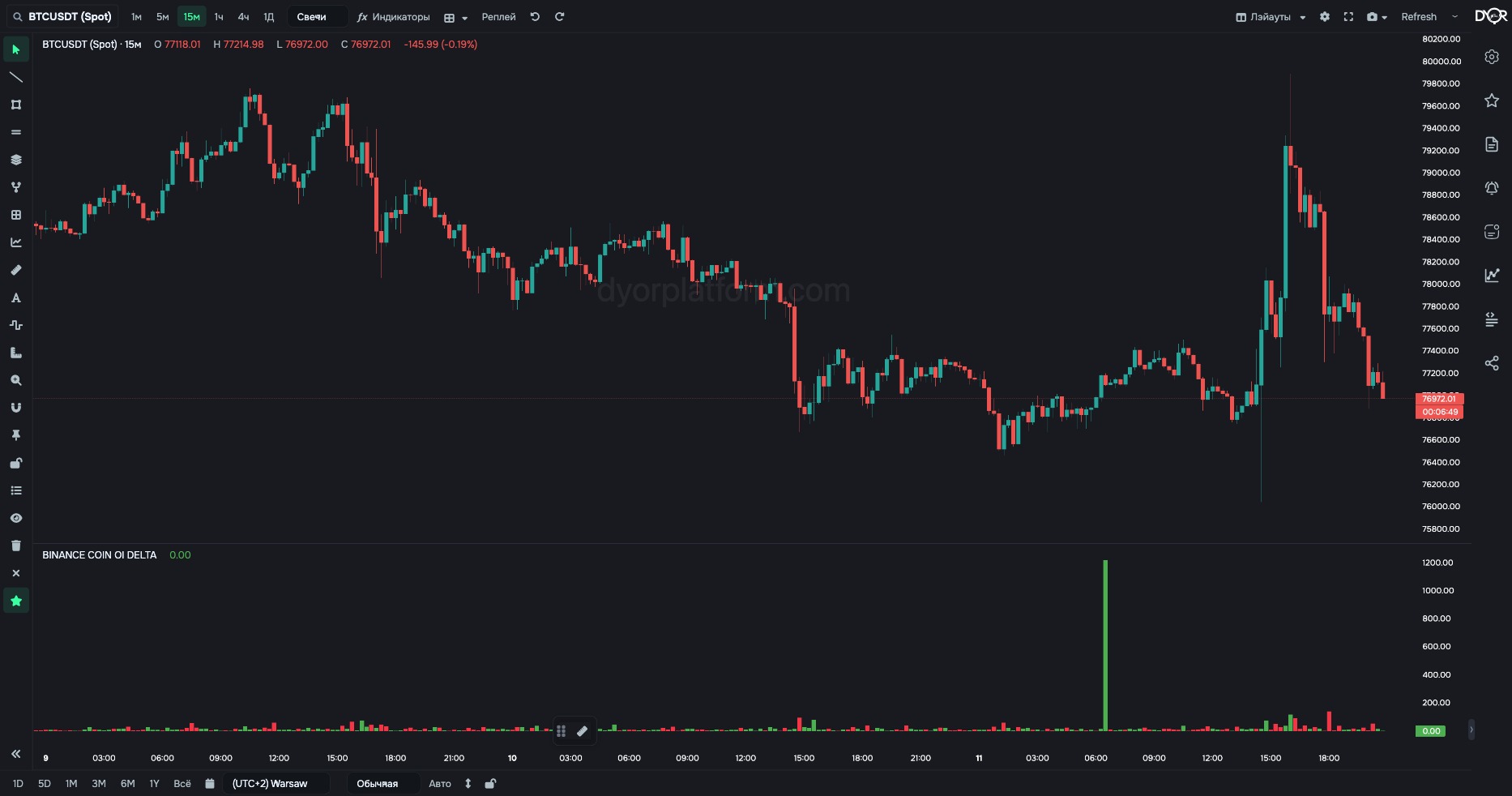
Change in OI per bar, in millions of dollars.
Color is not longs or shorts. Every position has two sides: for every long there is a short. OI counts contracts, not sides. A green column means new positions opened, longs and shorts at once. Red means they closed, also both sides. You can't tell from the color who initiated.
Look at the neighbors to see who initiated. The price on this bar — which way it moved. COIN TRADES — who hit the market, buyers or sellers.
Find bars where positions opened or closed en masse, and see what drives the move: new money or old positions closing. OI shows the level, DELTA shows the jolt.
For example.
Alert: the BINANCE COIN OI DELTA metric with the same Contracts and Units. For a level threshold — “greater than / less than”. For the change in OI per bar — the BINANCE COIN OI metric with the comparison type “increased by X%” or “decreased by X%”: it compares with the previous bar.
| Field | Options | Default | What it changes |
|---|---|---|---|
| Contracts | ALL USDT only | ALL | The same modes as BINANCE COIN OI: the USDT contract plus COIN-M, or the USDT contract alone. |
| Units | $M COINS | $M | In coins, the column shows how many coins in positions were added or removed during the bar, unaffected by price. |
| Exchange | Chart Binance | Chart | Same as BINANCE COIN OI: Binance only for now, Hyperliquid is being connected. |
Rise and fall colors are set in the Style tab. Make them contrasting, otherwise the direction is hard to read.
Metric BINANCE COIN OI DELTA. Condition fields:
Same fields as BINANCE COIN OI.
BINANCE TOTAL OI DELTA — the same across all Binance perpetual futures. In alerts — BINANCE TOTAL OI DELTA.
OI DELTA is the size of the OI change per bar, without a sign. The columns always point up; only color shows direction: green — positions opened, red — closed. Color doesn't tell you whether it's longs or shorts: every position has two sides. The initiator is shown by the candle and COIN TRADES on the same bar.
A green OI DELTA column means…
Correct answer: New positions opened — longs and shorts at once