 Learn hubBlog
Break down CUM TRADES — the accumulated trade delta from a set moment.
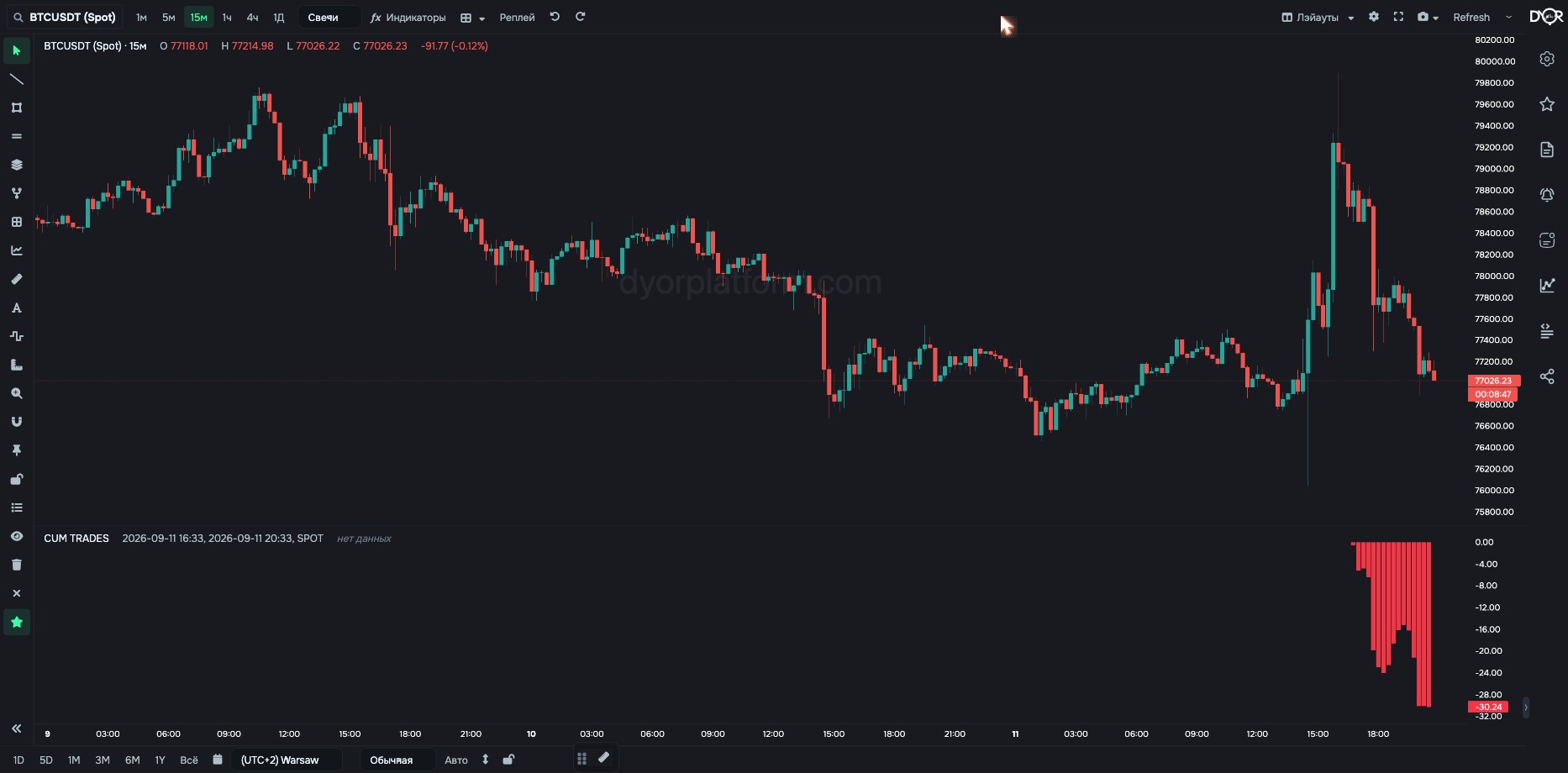
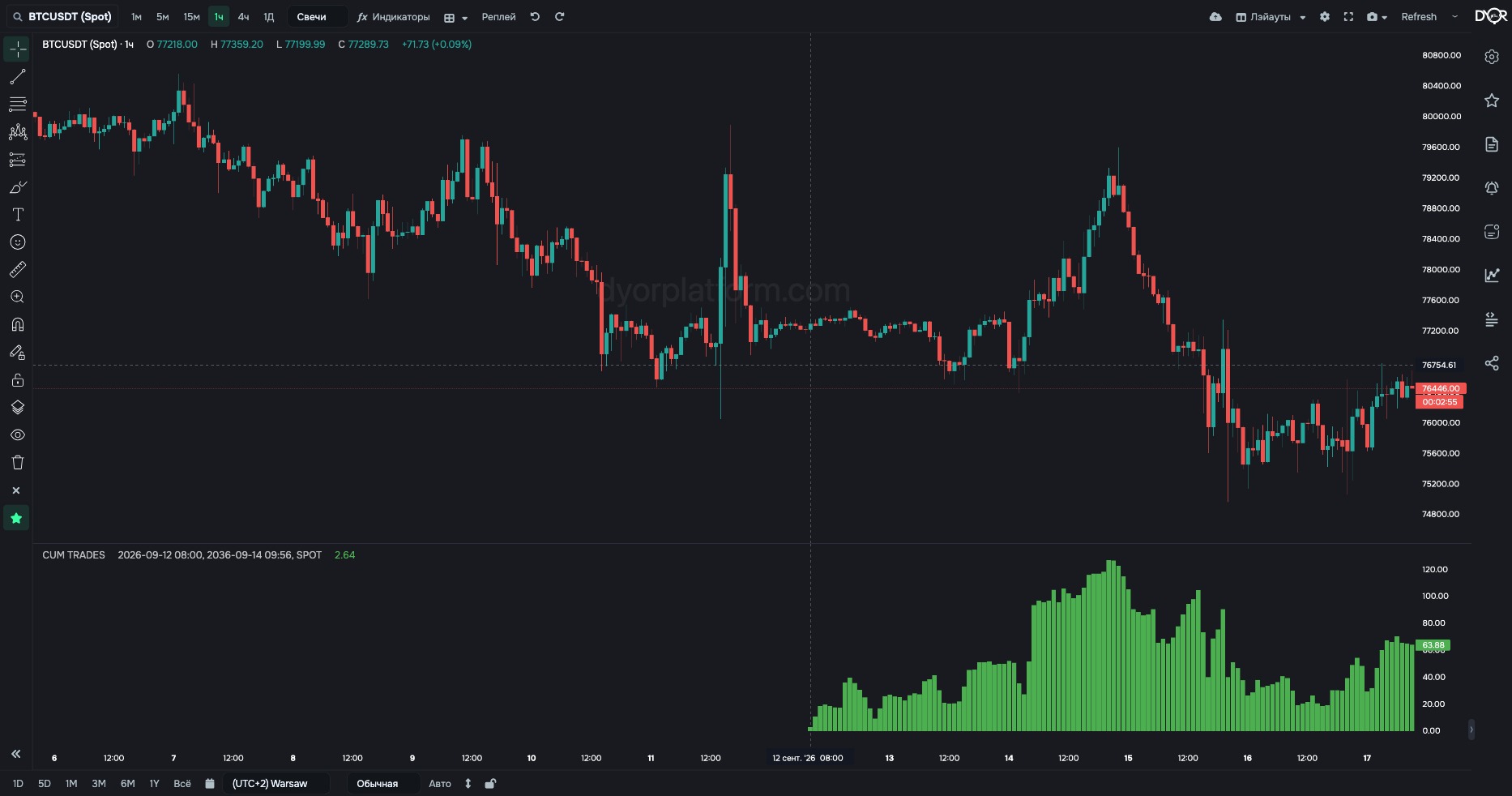
Accumulated (cumulative) trade delta. Buys minus sells add up bar by bar from Start Time to End Time.
Count the balance of buys and sells from a chosen moment: start of the day, news, session open.
For example.
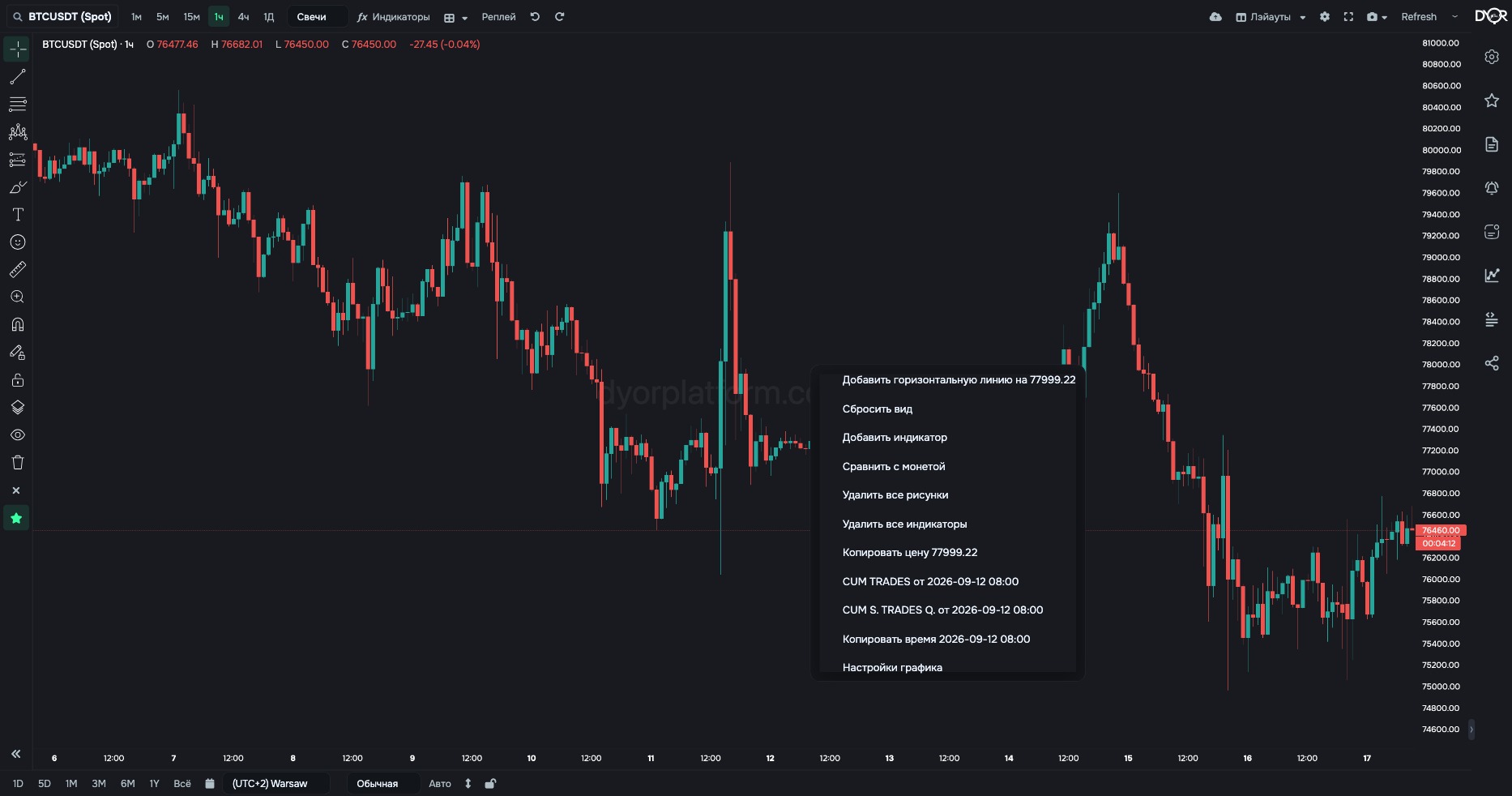
Faster: right-click the chart at the point you need → the “CUM TRADES from …” item. Accumulation starts from the clicked moment and continues to now.
| Field | Options | Default | What it changes |
|---|---|---|---|
| Start Time | date and time | 4 hours ago | From what moment to accumulate. Right-clicking the chart sets it to the clicked point. - Want the balance since the start of the day — set midnight. Since a news event — its time. |
| End Time | date and time | now | Up to what moment to accumulate. |
| Market Type | SPOT FUTURES | SPOT | Whose trades to count: Binance spot or futures market. - Want trades of those buying the coin itself — SPOT. - Want leveraged trades — FUTURES. On Coinbase and Hyperliquid the switch has no effect: Coinbase is spot only, Hyperliquid is futures only, the value is set by the exchange automatically. |
| BTC Pairs | ALL USDT ONLY | ALL | Works only on Binance and only on BTC. ALL — sum of three pairs: BTCUSDT + BTCUSDC + BTCFDUSD. USDT ONLY — only the BTCUSDT pair. For other Binance coins the data is always for the USDT pair; the parameter changes nothing. No effect on Coinbase and Hyperliquid: there bitcoin has one pair — BTC/USD and BTC/USDC. - Want all Binance bitcoin — ALL. - Want to compare with a source that counts only BTCUSDT — USDT ONLY. |
| Exchange | Chart Binance Coinbase Hyperliquid | Chart | Which exchange to take data from: Chart — the same one as the chart. Binance — spot and futures, USDT pairs. Coinbase — spot only, USD pairs. Hyperliquid — perpetual futures only, USDC pairs. Coinbase and Hyperliquid are available on paid plans (“Exchanges” screen). They have candles, trades and the order book. Derivatives, liquidations and loans show “no data” for them. - Want to compare one coin across exchanges — add the indicator several times and pick a different exchange in each. |
This indicator is not in the alert metric list.
CUM TRADES adds up buys minus sells bar by bar, starting from Start Time. The line rises — more was bought since the start of the range. Falls — more was sold. The shape of the line depends entirely on the start point, so Start Time is the main setting.
What does Start Time set in CUM TRADES?
Correct answer: The moment accumulation starts from