 Learn hubBlog
Take apart OPTIONS VOLUME — how many options were traded in a bar, and in what form.
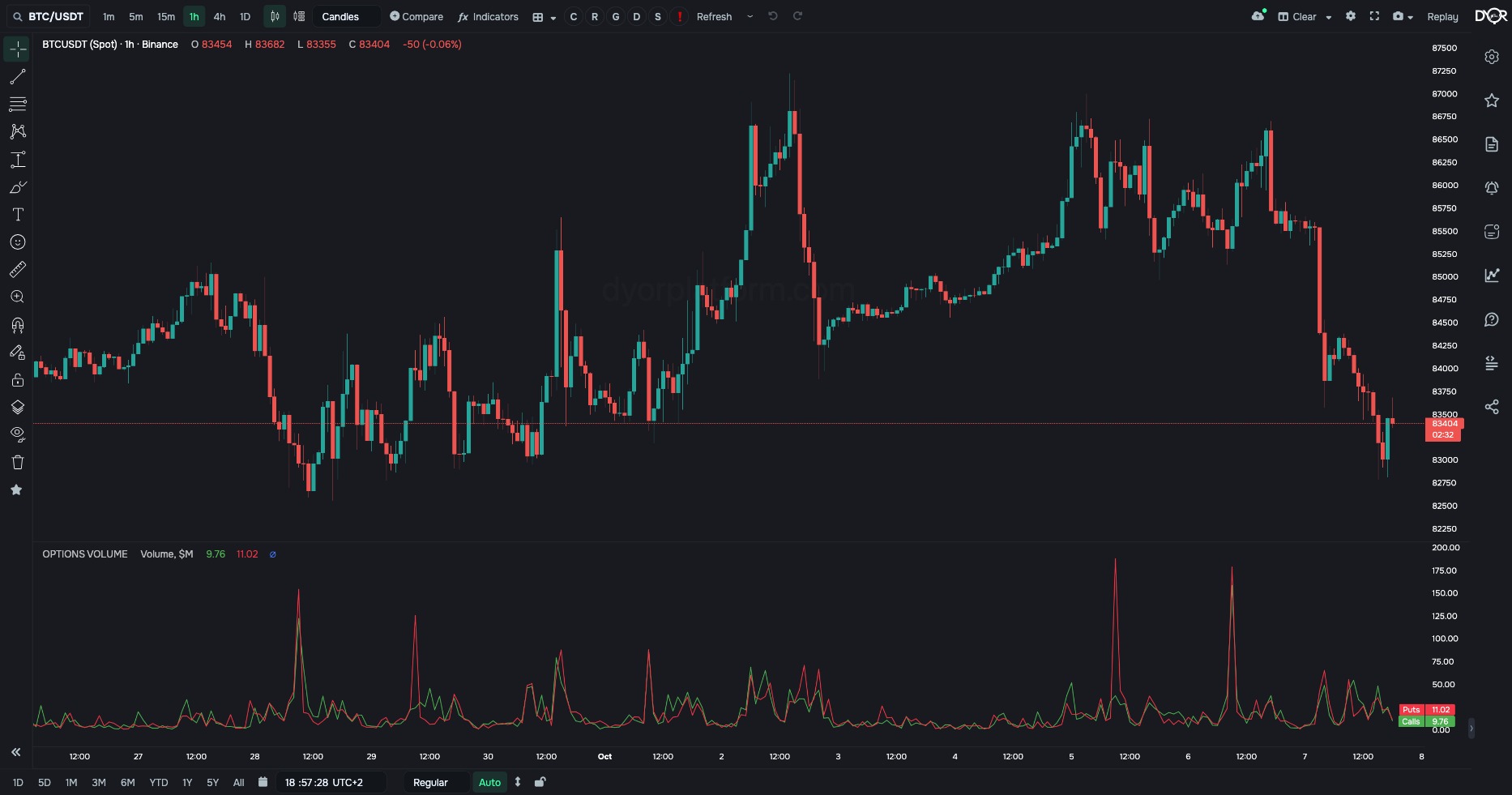
How many options were traded in a bar.
First, two words. The call on 1 BTC from the lesson “Options: what they are”: notional — 86,000, the value of the coin the option is written on. Premium — 1,000, the payment for the option itself. The premium is always much smaller than the notional.
Four modes:
Calls and puts are separate lines.
See how many options were traded in a bar and in what form: notional, premium, who started the trade, block trades.
For example.
| Field | Options | Default | What it changes |
|---|---|---|---|
| Mode | Volume Premium Taker flow Block trades | Volume | What to count per bar. - Want the size of trading in coin value — Volume. - Want how much money was paid for the options themselves — Premium. - Want who started the trades, market buyers or market sellers — Taker flow. - Want only large trades bypassing the order book — Block trades. |
| Units | $M COINS | $M | In what to count. - Want dollars — $M. - Want coins — Coins. |
| Exchange | Chart | Chart | Cannot be switched for options indicators: there are no other values in the list. The options exchange is chosen by the “Options exchange” field below. |
| Options exchange | Binance Deribit | Binance | Whose options to count. The chart’s exchange does not affect this: the indicator takes only the coin from the chart. - Want Binance options — Binance. - Want the main options exchange, with 19 times more BTC open interest — Deribit. |
Metric OPTIONS. Condition fields:
“Options exchange” — Binance or Deribit. “Options metric” for this indicator: Volume Calls, Volume Puts and Volume Total in coins or $, Premium Calls and Premium Puts, Taker Calls Bought / Sold and Taker Puts Bought / Sold, Block Volume. The “Exchange” and “Market type” fields are in the form, but the options asset is taken from the coin.
Four modes: notional, premium, taker flow and block trades. Calls and puts are separate lines. The premium is always much smaller than the notional.
How does “Premium” mode differ from “Volume” mode?
Correct answer: Premium is how much was paid for the options themselves, Volume is the value of the coins under them